
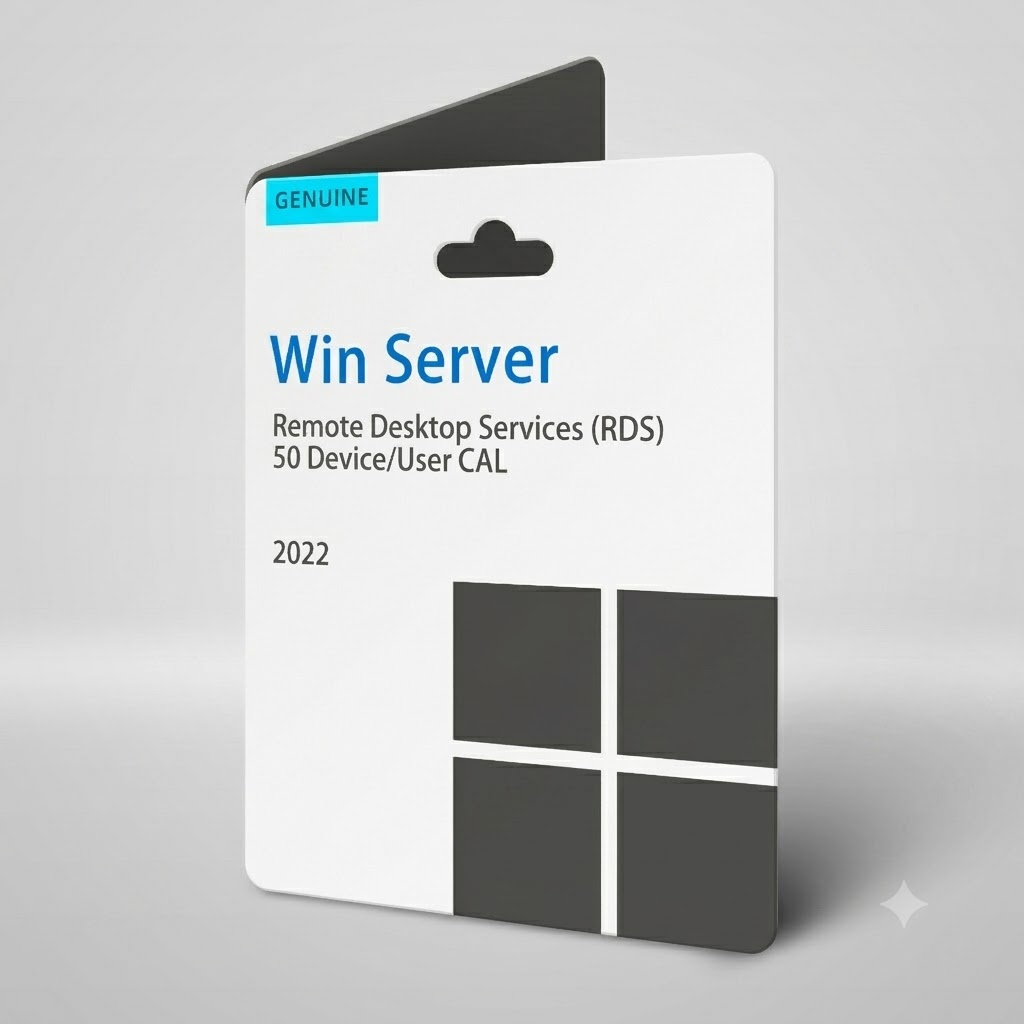
Microsoft Windows Server RDS 50 CAL – Remote Desktop Services Device/User License Key
Price range: $ 140.00 through $ 500.00
Genuine Windows Server RDS 50 CAL pack for Remote Desktop Services. Choose 50 Device CALs or 50 User CALs for Windows Server 2022, 2019, 2016, 2012 R2, 2012 or 2008. Lifetime licence, 100% online activation and 24/7 instant email delivery.
Windows Server RDS 50 CAL – Licence Your Remote Desktop Deployment Properly
A Windows Server RDS 50 CAL pack is the piece most administrators forget about until the 120-day grace period runs out. Installing the Remote Desktop Services role itself costs nothing, but every person or endpoint that opens a session on that host still needs its own Client Access Licence. This listing covers fifty of them in a single genuine activation code, so you can bring an entire department, classroom or branch office online without stitching together dozens of separate purchases.
Your code is issued through our automated 24/7 delivery system. Complete checkout, refresh your inbox, and the licence is already waiting for you — no shipping, no business-hours queue, and no waiting for a reseller to open on Monday morning.
Device CAL or User CAL: Which One Should You Buy?
Both options are available from the dropdown above, and the right answer depends on how your team actually works day to day.
- Device CAL: the licence lives on the hardware. Ideal for shift-based environments such as warehouse terminals, shop-floor thin clients or call-centre desks, where many people share a smaller pool of machines.
- User CAL: the licence follows the person. Ideal for hybrid and mobile staff who sign in from a laptop, a tablet and a home desktop across the same week.
A simple rule of thumb: if you have more staff than devices, choose Device CALs. If you have more devices than staff, choose User CALs.
What You Get
- 50 Client Access Licences delivered in one code, ready to install into your RD Licensing server.
- Version choice covering Windows Server 2022, 2019, 2016, 2012 R2, 2012 and 2008 — pick the one that matches your session host.
- Lifetime validity. This is a one-time purchase with no renewal date and no monthly billing.
- 100% online activation. Activate over the internet; no telephone activation centre is required.
- Global and multi-language. Usable from any country and with any Windows display language.
- 7-day pre-activation warranty plus 24/7 instant email delivery of your activation code.
Why Proper CAL Coverage Matters
Once the grace period expires, unlicensed clients are simply refused a session — and it always seems to happen at the worst possible moment. Correct CAL coverage also keeps you clean in the event of a licence review, and it removes the awkward conversation about why remote staff suddenly cannot reach their desktops. Buying fifty licences at once gives you real headroom for growth instead of a scramble every time a new starter joins the team.
How to Install Your RDS CALs
- On your server, open Server Manager and confirm that the Remote Desktop Licensing role service is installed.
- Launch RD Licensing Manager and activate the licence server if you have not already done so.
- Right-click your activated licence server and choose Install Licenses.
- Select the licence programme that matches your code, then enter the activation key you received by email.
- Choose the product version and the licence type — Device or User — to match what you purchased, then confirm the quantity of 50.
- Finish the wizard, then point your RD Session Host at the licence server using Group Policy or the Remote Desktop Licensing Diagnoser.
Before You Order
Check three things before checkout: the Windows Server version running on your session host, whether your environment needs Device or User licensing, and that the Remote Desktop Licensing role is reachable from that host. Get those three right and installation takes under five minutes. If you are unsure which combination fits your setup, contact our team before you order and we will point you to the correct variant.
Additional information
| Year Version | 2022, 2019, 2016, 2012 R2, 2012, 2008 |
|---|---|
| License Type | 50 Device CAL, 50 User CAL |







Reviews
There are no reviews yet.