How to Update QuickBooks Desktop in 2026?
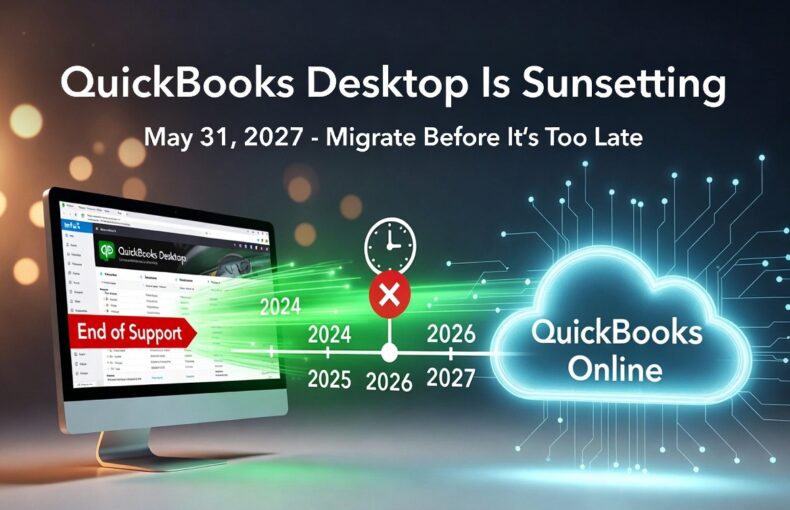
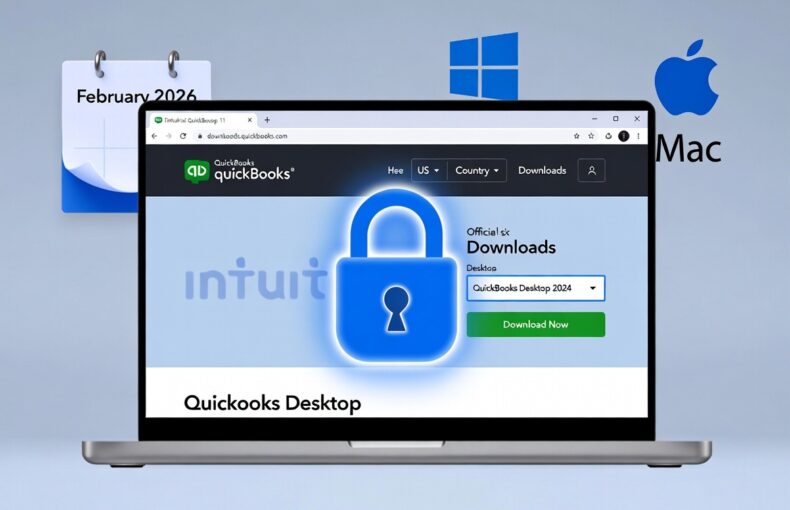
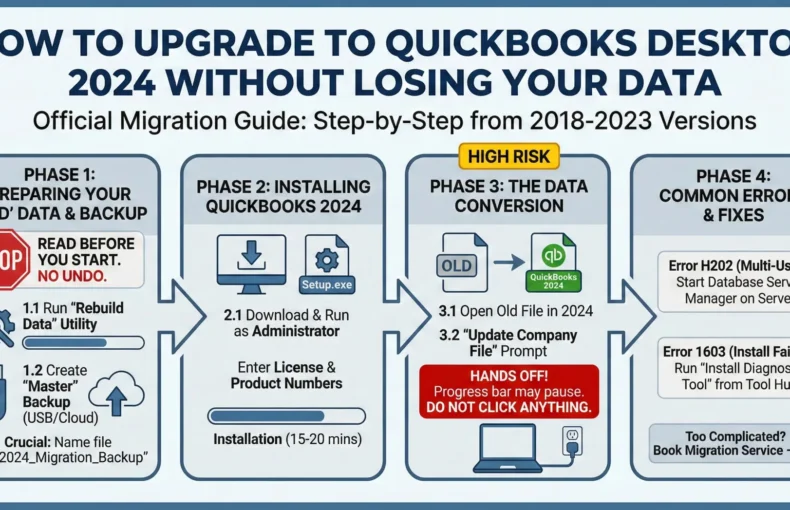
If you’re still running QuickBooks Desktop, keeping it updated is critical for security, payroll accuracy, bank feeds, and overall performance. Short answer: Updating QuickBooks Desktop has two parts: As of February 2026, QuickBooks Desktop 2024 is the final version released. Its latest maintenance release is R18_60. Full support ends May 31, 2027. ⚠️ Need a new 2024 license? If your subscription has expired and you need to get back on 2024, LicenseRetail offers both one-time surplus licenses and annual subscription plans. Instant email delivery. Step 1: Check Your Current Version & Release Windows: Mac: Press Command + 1 to open Product Information. Latest releases (February 2026): How to Update Maintenance Releases (Same Year Version) Method 1: Inside QuickBooks (Easiest & Recommended) Windows: Mac: QuickBooks menu → Check for QuickBooks Updates → Install and Relaunch. Pro tip: Enable automatic updates — Windows: Update window → Options tab → Yes. Mac: Check “Automatically download and install updates”. Method 2: Manual Download from Intuit How to Upgrade to a Newer Year Version (e.g., 2022/2023 → 2024) Available if you have an active Plus subscription or purchase a new 2024 license. Always back up first! File → Create Backup before any upgrade. Payroll & Tax Table Updates (Separate but Critical) Troubleshooting Common Update Problems Why You Must Keep Updating in 2026 Action Plan: What to Do Right Now ✅ One-Time License Pay once. No subscription. No annual renewal. Pro 2024 — No Subscription 🔄 Annual Subscription Latest version, live payroll, always updated. Browse Subscriptions Read Also: When Is QuickBooks Desktop Going Away? · Can I Buy QuickBooks Desktop Without a Subscription? Last updated: February 2026. Always verify the latest release number inside QuickBooks or on Intuit’s Downloads page. Frequently Asked Questions How do I update QuickBooks Desktop to the latest version? Go to Help → Update QuickBooks Desktop → Update Now tab → check QuickBooks Desktop Update → click Get Updates. Restart when prompted and click Install Now. For the latest 2024 release, this brings you to R18_60. What is the latest QuickBooks Desktop 2024 release? As of February 2026, the latest release for QuickBooks Desktop 2024 (Windows) is R18_60. For QuickBooks 2023, it is R17_35. For QuickBooks Mac Plus 2024, it is R10.2. Check your version by pressing F2 inside QuickBooks. Can I update QuickBooks Desktop without a subscription? Yes. Maintenance updates (R-releases within your current year version) are free regardless of subscription status. What requires an active subscription is upgrading to a newer year version (e.g., 2023 → 2024). If your subscription has ended, you can still update within your installed version. When does QuickBooks Desktop 2024 support end? Full support for QuickBooks Desktop 2024 ends May 31, 2027. After this date, Intuit will no longer provide security patches, updates, or live support. Core accounting features will continue to work, but bank feeds and payroll will stop functioning. My QuickBooks update keeps failing — what do I do? Try the manual download method: visit downloads.quickbooks.com/app/qbdt/products, select your edition and version, and download the update file directly. Run it as Administrator. If the issue persists, it may indicate an expired subscription — in which case a new license from LicenseRetail will resolve it.